
2025 Gartner Magic Quadrant
Leader in the 2025 Gartner Magic Quadrant for Email Security, scoring across core email protection, integrated email security, and outbound security.

Official Partner of Constant Edge
Stop phishing, BEC, ransomware, and account takeover before delivery with Check Point Email Security. API-based protection for Microsoft 365, Google Workspace, and the collaboration apps your team already uses.

WHO ARE CHECK POINT
Check Point Email Security started life as Avanan, the company that pioneered API-based email security and holds the patent for its inline deployment method via API. Check Point acquired it, plugged it into ThreatCloud AI, and put more than 200 threat researchers behind it.
The result is email security that deploys in minutes with no MX record changes, then scans every inbound, outbound, and internal message before it reaches the inbox. Constant Edge partners with Check Point because it gives you enterprise-grade prevention and full collaboration app coverage in a single platform, not a bolt-on.
HOW DOES CHECK POINT WORK
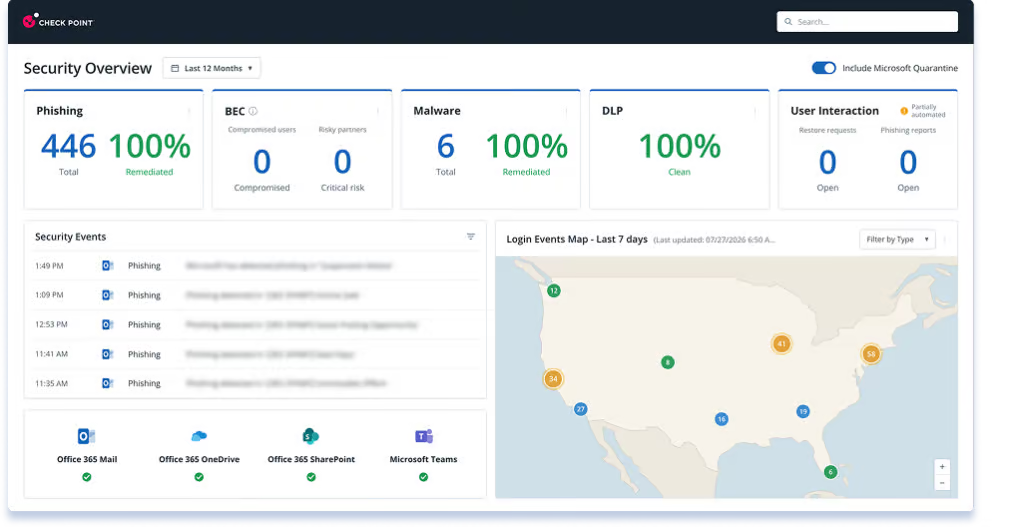
Check Point connects to your Microsoft 365 or Google Workspace tenant through a one-click API integration. It then sits inline after your existing mail gateway and before inbox delivery, so malicious mail is blocked rather than clawed back after the fact. AI, natural language processing, and sandboxing assess every message, link, and attachment in real time.
WHY SHOULD I USE CHECK POINT
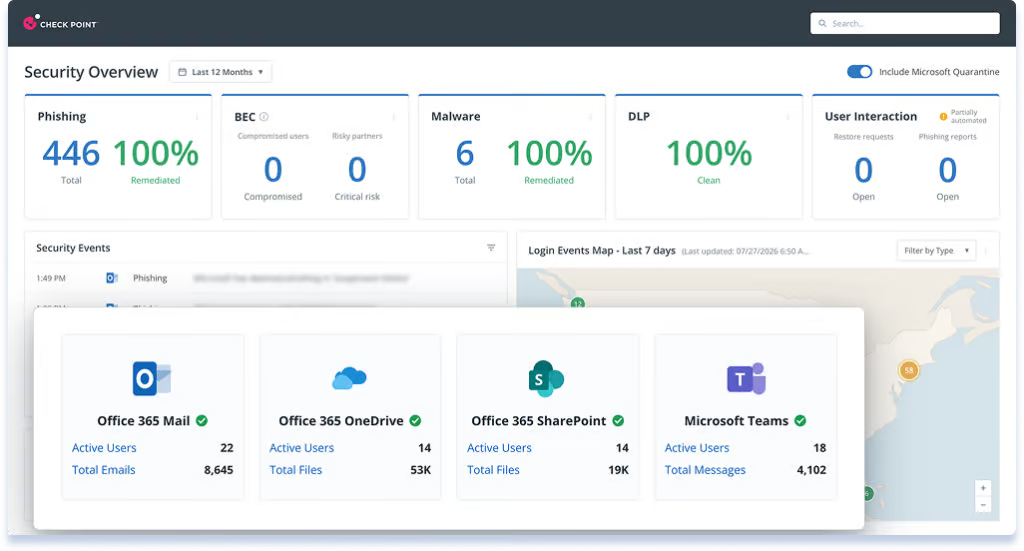
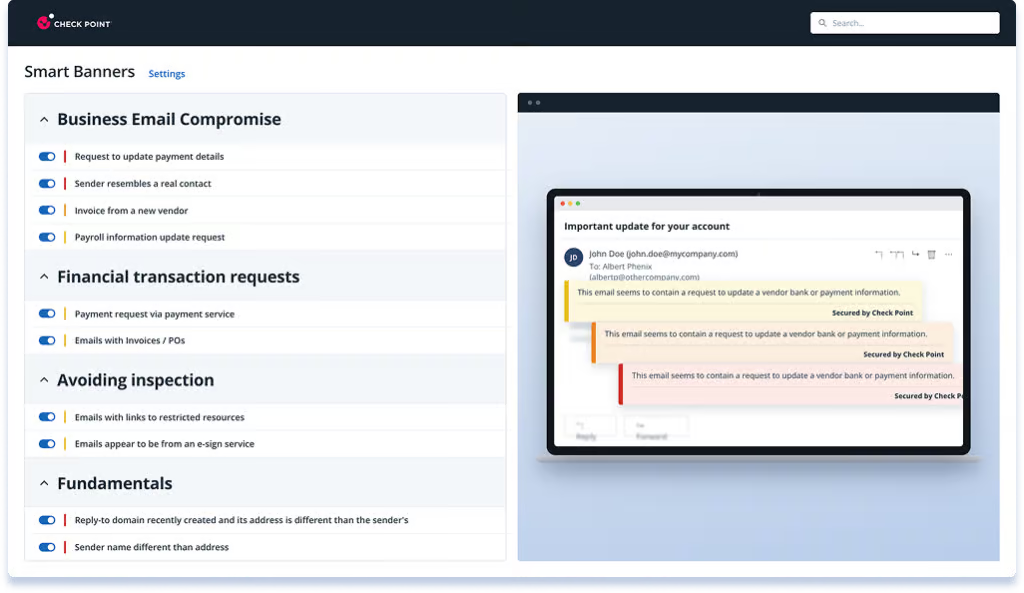
Additional secure email gateways filter at the perimeter and miss the targeted attacks that matter: BEC, supplier impersonation, QR code phishing, and account takeover. Check Point analyzes sender behavior, message content, and supply chain relationships to spot the anomalies a signature-based gateway never sees. It reduces the volume of phishing reaching inboxes by 99.2%
TRY BEFORE YOU BUY
We connect it to your environment, configure it properly, and at the end show you exactly what it caught and what your existing setup missed.
BENEFITS OF CHECK POINT EMAIL SECURITY
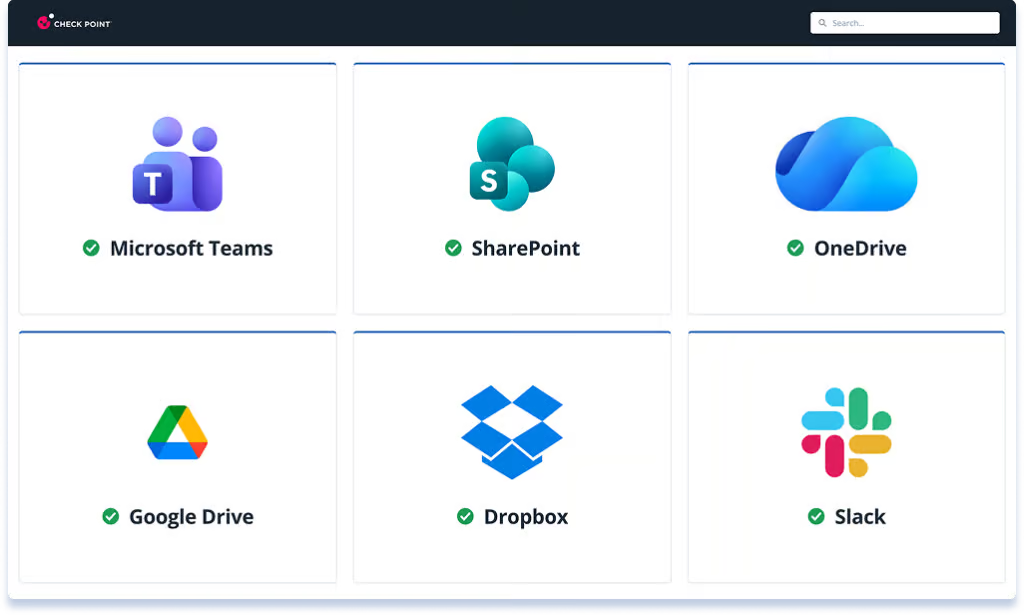
Email is one attack surface. Check Point covers the rest of them too: Teams, SharePoint, OneDrive, Google Drive, Dropbox, Box, and Slack are all scanned for malware, phishing indicators, and data loss. That means fewer point tools, one policy set, and one console.
AWARDS AND RECOGNITION
Leader in the 2025 Gartner Magic Quadrant for Email Security, scoring across core email protection, integrated email security, and outbound security.

Named a pioneer and global leader of cybersecurity solutions awarded to companies that earn the highest marks in trust and dependability.

Named an Email Security Leader by Expert Insights for Fall 2026, based on independent evaluation of leading email security solutions
HOW WE DEPLOY IT
For most customers, setup is straightforward: an administrator authorizes the connection, we configure the policy for your environment, and Check Point starts protecting mailboxes immediately. We provide additional planning for collaboration app coverage, DLP policy and multi-tenant environments.
STEP 1
An authorized Microsoft 365 or Google Workspace administrator connects the environment through the API. No MX record changes, no mail routing changes and no software to install.
STEP 2
We select the mailboxes and groups to protect, configure enforcement behavior and enable the collaboration apps in scope. We review the settings and advise on anything that needs additional attention.
AUTOMATIC
Check Point starts scanning immediately, including a retrospective scan of mail already in the environment. We review initial detections with you and tune enforcement before moving from monitoring into full prevention.
COMPLEX DEPLOYMENTS
Complete Protect adds outbound data loss prevention and encryption, which needs policy decisions about what leaves the organization and what gets encrypted rather than blocked. Multi-tenant environments need those decisions made once and applied consistently. In these cases most of the additional work is agreeing the policy rather than configuring the service.
Most deployments are live the same day. DLP rollouts and multi-tenant environments take longer to plan and verify.
CHECK POINT AND CONSTANT EDGE
We connect Check Point to your Microsoft 365 tenant and configure it properly. Go-live under 2 hours for most SMBs.
Your support contact is the engineer who set it up, not a ticket queue.
We'll tell you if Check Point is right for your environment. If another vendor suits better, we'll say so.
If you also run CloudAlly, Acronis, or another backup platform, we configure Check Point to work alongside your full stack.
From the team behind Expert Insights, the independent research platform read by over a million security professionals a year.
FAQ
Under a day in most cases. Check Point Harmony connects to Microsoft 365 or Google Workspace through the API, so there are no MX record changes and no mail flow rules to unpick. We connect it, configure the policy for your environment, and hand back a working setup.
Yes. We deploy in monitor-only mode first, so Check Point sits alongside your existing setup and shows you what it would have caught without touching live mail. You see real findings from your own tenant before you decide, and if it isn’t picking up anything your current stack is missing, we’ll tell you.
Per user, per year, billed annually in advance. The price depends on user count and which modules you need, so email only, or email plus Teams, SharePoint and OneDrive. We’ll quote your actual environment rather than a list price, and there are no separate deployment or onboarding fees.
Not by default. Your rate is fixed for the term, and we send you a renewal summary ahead of the anniversary so you can see the numbers before anything is invoiced. If vendor costs move, we’ll tell you early and explain why rather than quietly rolling an increase into the renewal.
Business Standard is fine. Check Point works through the Microsoft 365 API and doesn’t depend on your licence tier or on having Defender for Office 365, so there’s no need to upgrade to E3 or E5 to run it. That’s often the point: it gives you the protection without the licence step up.
Defender is a solid first layer and Check Point is designed to sit behind it, not replace it. Because it inspects mail inside the mailbox after Microsoft has processed it, it catches the things that get through: convincing BEC attempts with no attachment or link, supplier account takeover, and internal email between compromised accounts, which perimeter filtering never sees. If you’re already paying for Defender, keep it. This is the layer that handles what it misses.